Best Descript Alternatives for Creators in 2026 (Compared by Workflow)
Seven Descript alternatives for YouTubers, from free DaVinci Resolve to Premiere Pro, Riverside, Camtasia and CapCut, compared by the job you actually do, with dated pricing and who should stay on Descript.

Descript made a simple idea popular: edit a video by editing its transcript. Delete a sentence in the text and the footage disappears with it. For talking-head YouTubers, that idea still saves hours.
So why do so many creators go looking for an alternative? In our research, three reasons came up again and again: the pricing model changed, long projects get slow, and the timeline is limited once a video needs B-roll, motion graphics or colour work.
The short answer:
| If you… | Try | Why |
|---|---|---|
| Want a free upgrade and don’t mind learning | DaVinci Resolve | Free version with no watermark; Studio is a one-time purchase |
| Have outgrown Descript’s timeline | Adobe Premiere Pro | Full editor that now has text-based editing built in |
| Record interviews or podcasts | Riverside | Recording studio and text-based editor in one place |
| Make screen-recorded tutorials | Camtasia | Built for screen recording, with transcript editing through Audiate |
| Want something cheap and fast for Shorts | CapCut | Free-first, strong captions, transcript-based cutting |
| Edit only on a Mac | Final Cut Pro | One-time purchase or low monthly option, fast on Apple silicon |
| Mainly need clips from long videos | Opus Clip | Not a full replacement, but does the clipping job well |
Prices below were checked on official pricing pages on November 8, 2026. Where we couldn’t confirm a US price, we say so and link to the vendor. This comparison is based on official documentation, public pricing and creator reports, not long-term hands-on testing. It contains no affiliate links.
First: what are you replacing?

“Descript alternative” means different things depending on how you use it. Before you switch, name the job Descript does for you:
- Text-based editing of talking-head or voice-led video.
- Audio cleanup: Studio Sound, filler-word and retake removal.
- Screen recording for tutorials.
- Clips for Shorts and social posts.
- AI voice: fixing a misspoken word without re-recording.
Most alternatives do two or three of these well. Very few do all five. If AI voice correction is the feature you rely on, read the section on who should stay on Descript first.
Descript today, for reference
Descript’s pricing page lists four plans. The lower price is the per-month cost when billed annually:
| Plan | Monthly billing | Billed annually | Main limits |
|---|---|---|---|
| Free | $0 | $0 | 60 media minutes, 100 AI credits once, 720p export with watermark |
| Hobbyist | $24/mo | $16/mo | 10 media hours, 400 AI credits, 1080p |
| Creator | $35/mo | $24/mo | 30 media hours, 800 AI credits, 4K |
| Business | $65/mo | $50/mo | 40 media hours, 1,500 AI credits |
The plan structure is the root of most complaints we found. Since Descript moved to media hours plus AI credits, features many creators used every day draw on a monthly allowance. Users report that heavy months are hard to budget for. That doesn’t make Descript bad. It means the right plan depends on how many hours you upload and how much AI cleanup you use.
1. DaVinci Resolve: best free alternative
What it is: a professional editing, colour and audio suite from Blackmagic Design, with a free version and a paid Studio version.
Best for: creators willing to learn a proper editor in exchange for paying little or nothing.
Text-based editing: Blackmagic lists text-based editing as a Studio feature on its official product page. The free version can still generate subtitles and has strong audio tools.
AI features: Voice Isolation, subtitle generation, Smart Reframe for vertical video, Magic Mask. Several of the AI tools are Studio-only; check the feature list for the one you need.
Platforms: Mac, Windows, Linux.
Price: free version, $0, no watermark. DaVinci Resolve Studio is a one-time purchase, shown at $236 (reduced from $295) on November 8, 2026. That is a promotional price.
Skip it if: you want Descript’s speed. Resolve has a steep learning curve and needs a reasonably powerful computer.
2. Adobe Premiere Pro: best when you’ve outgrown Descript
What it is: the industry-standard timeline editor, which now includes the transcript-first workflow that made Descript popular.
Best for: creators whose videos need B-roll, layered audio, graphics and colour, who still want to start an edit from the transcript.
Text-based editing: yes. Premiere transcribes your footage, lets you cut by deleting text, and can detect filler words and pauses. Adobe’s AI editing page also lists Enhance Speech, auto captions and caption translation, and generative tools like Generative Extend.
Platforms: Mac and Windows.
Price: no free plan; a 7-day trial. We could not confirm the current US price from Adobe’s page from our location. Check Adobe’s Premiere plans page, and note that annual plans paid monthly can carry an early-cancellation fee.
Skip it if: you’re a beginner who mainly records yourself talking. Premiere does far more than you need, and the subscription adds up.
3. Riverside: best for interviews and podcasts
What it is: a remote recording studio with a text-based editor and AI clip tools attached.
Best for: educational channels built around interviews, guests or a video podcast.
Text-based editing: yes, through its Magic Editor. It also has Magic Clips for Shorts and Magic Audio for cleanup.
Platforms: web, plus mobile apps.
Price (Riverside pricing, checked November 8, 2026): a free plan with a one-off 2 hours of separate-track recording at 720p with a watermark. Pro is $29/month, or $24/month billed annually, with 5 recording hours a month. Grow is $39/month, or $34/month billed annually, with 15 hours. Recheck before you buy; we saw inconsistencies on the page.
Skip it if: you record solo screen tutorials. You’d be paying for a recording studio you don’t use.
4. Camtasia: best for screen-recorded tutorials
What it is: TechSmith’s screen recorder and editor, a long-time favourite for course creators and software tutorials.
Best for: tutorial YouTubers who teach software, spreadsheets or anything on a screen.
Text-based editing: yes, on the Essentials plan and above, through TechSmith’s Audiate. Essentials also includes filler-word removal and captions. Higher plans add AI voiceover and other AI tools.
Platforms: macOS 14 or later, Windows 10/11, plus Camtasia Online.
Price: plans are Starter (watermarked), Essentials, Create and Pro, all billed annually. We could not confirm US prices from our location; check TechSmith’s Camtasia store.
Skip it if: you mostly film yourself on camera. Camtasia’s strength is the screen.
5. CapCut: best low-cost option for fast edits and Shorts
What it is: a free-first editor from ByteDance with strong captions and templates.
Best for: creators on a tight budget, and anyone making a lot of short-form video.
Text-based editing: yes. You can generate a transcript and delete text to cut the clip. CapCut also has a filler-word removal tool, plus auto captions, voice enhancement and noise removal. Some of these sit behind the paid plan.
Platforms: Mac, Windows, web and mobile.
Price: CapCut’s own help page says Pro pricing varies by region, device and promotion, so check the price shown in your account.
Skip it if: you need stable, predictable pricing, or you have concerns about ByteDance’s terms for your content.
6. Final Cut Pro: best for Mac-only creators
What it is: Apple’s professional editor, fast on Apple silicon Macs.
Best for: creators who work only on a Mac and want a capable editor without a heavy subscription.
Text-based editing: not in the Descript sense. Final Cut has Transcript Search (Apple silicon, US English), automatic captions and Voice Isolation, so you can find and cut by what was said, but you edit on the timeline.
Platforms: Mac and iPad.
Price (Apple’s Final Cut Pro page, checked November 8, 2026): $299.99 as a one-time purchase, or through Apple Creator Studio at $12.99/month or $129/year, with a free trial.
Skip it if: you’re on Windows, or edit-by-text is the main reason you used Descript.
7. Opus Clip: if you mainly used Descript for clips
What it is: an AI tool that turns a long video into ranked short clips with captions and vertical reframing.
Best for: educators who make long-form videos and want Shorts without editing each one by hand.
Not a full replacement: you still need an editor for the main video.
Price (Opus Clip pricing, checked November 8, 2026): a free plan with watermarked exports and files that expire after 3 days, Starter at $15/month and Pro at $29/month. The page didn’t show annual prices.
Skip it if: your videos are visual demonstrations rather than talking. AI clip pickers work best when the value is in what you say.
For more clip tools, plus AI captions and B-roll generators, see our comparison of the best AI video editing tools for YouTubers.
How to choose
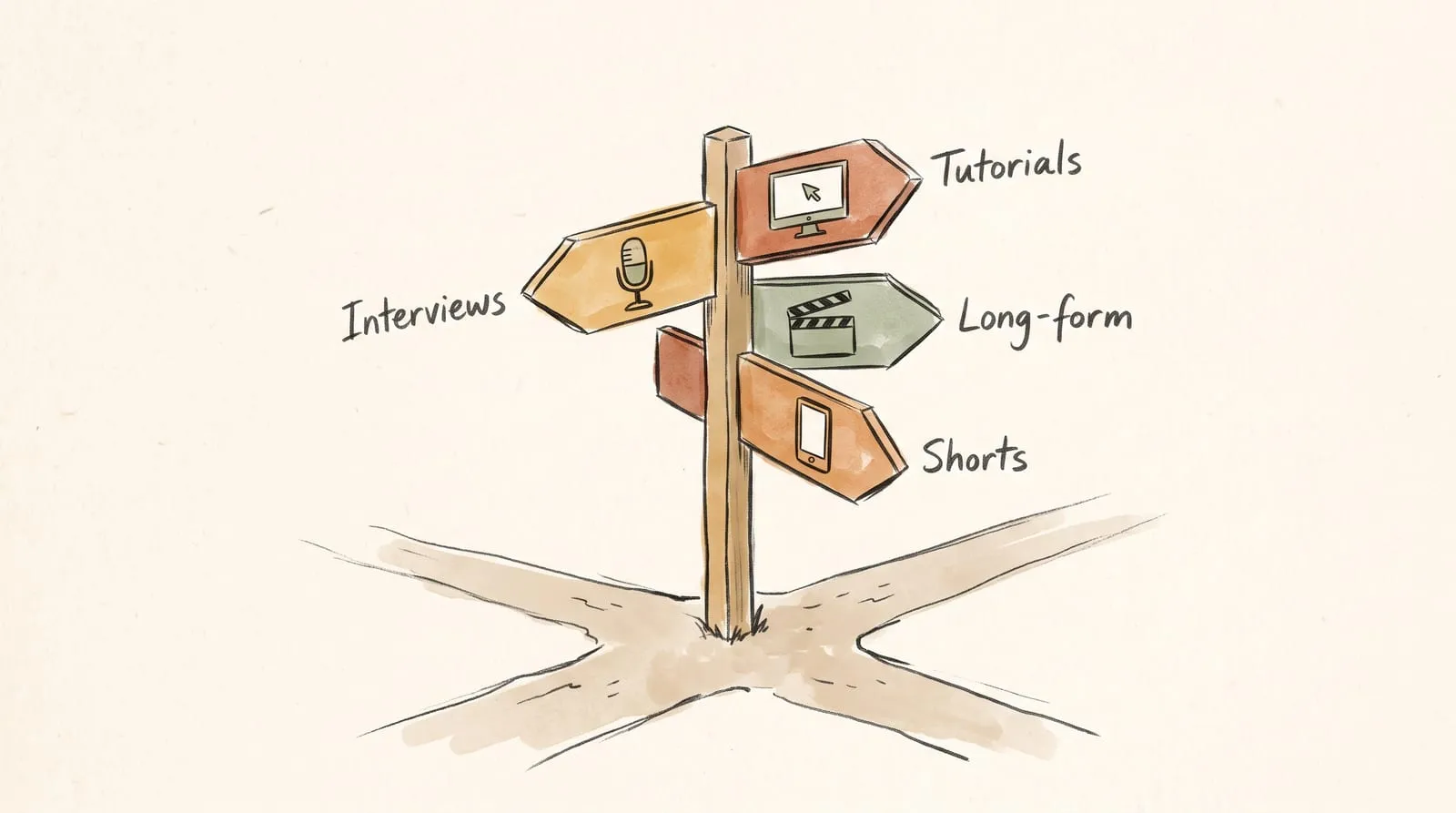
Ask four questions, in this order:
- Do I need edit-by-text? If yes: Premiere Pro, Riverside, Camtasia (via Audiate), CapCut or Resolve Studio. If no, Final Cut Pro and the free version of Resolve open up.
- What do I mostly record? Talking head: Premiere or CapCut. Interviews: Riverside. Screen: Camtasia.
- Subscription or one-time? Resolve Studio and Final Cut Pro can be bought once. Everything else here is a subscription.
- How much time will I spend learning? Resolve and Premiere repay the effort, but budget a few weekends. CapCut and Riverside are quicker to pick up.
Before you pay for anything annually, use the free plan or trial for a month of real uploads. The tool that feels best in a demo isn’t always the one that fits your weekly workflow.
Who should stay on Descript
Switching has a cost: new habits, new shortcuts, re-learning where everything is. Descript is still the right tool if:
- you edit talking-head or podcast-style videos under about an hour;
- edit-by-text speed matters more to you than detailed timeline control;
- you use AI voice to fix the odd misspoken word;
- your monthly upload hours fit comfortably inside a plan.
In that case, the better move may be to change plans rather than tools. Check your actual monthly media hours and AI credit use, then pick the plan that fits.
Your next step
Write down the one job you use Descript for most, from the list at the top of this guide. Then trial only the one or two tools that do that job well. For most solo educational YouTubers, that shortlist is DaVinci Resolve (free) and Premiere Pro.
More tool comparisons live in the Creator Stack.
Sources and evidence
- Descript pricing and Descript features, checked November 8, 2026.
- DaVinci Resolve product page, checked November 8, 2026.
- Adobe Premiere AI video editing features and plans.
- Riverside pricing, checked November 8, 2026.
- Camtasia store.
- CapCut Pro pricing help and filler-word tool.
- Final Cut Pro, checked November 8, 2026.
- Opus Clip pricing, checked November 8, 2026.
Prices change often. If a price here no longer matches the vendor’s page, the vendor’s page is right.